1) Open Settings
2) In the “Find a setting” search box, type Device Manager
3) Open Device Manager
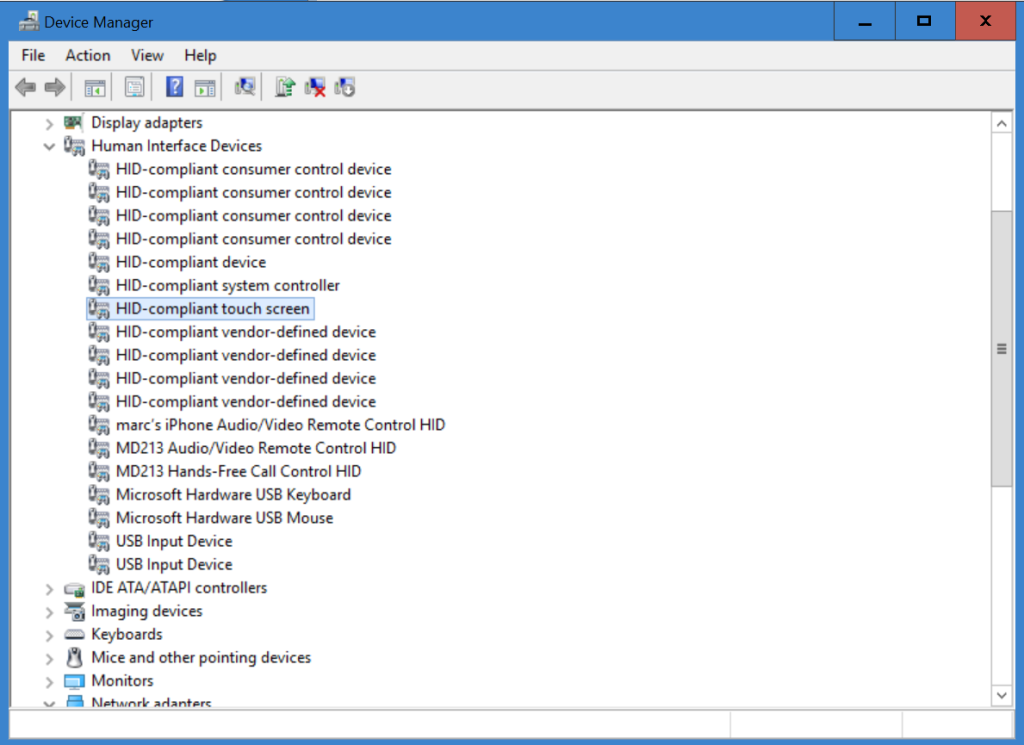
4) Find the Human Interface Drivers item, and double click it to expand the list.
5) Click on HID-Compliant touch screen, then RIGHT CLICK it and choose Disable from the context menu.
6) Click Yes.
7) Close Device Manager and Settings. You’re done.