Using an RS232-to-TTL converter
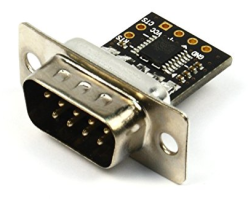
An RS232-to-TTL converter converts RS232 voltage levels to TTL levels that can be used by the Pi (and vice versa). I use NulSom’s Ultra Compact RS232 to TTL Converter with Male DB9. This converter fits within a DB9 back shell.
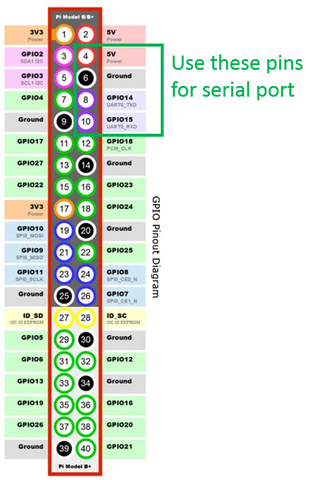
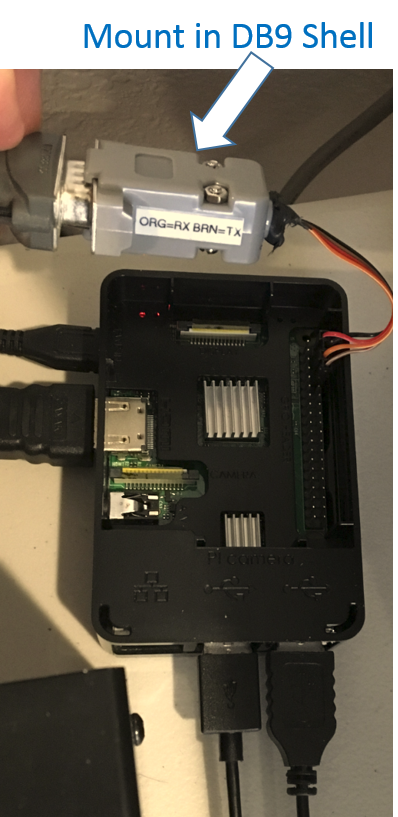
The converter has solder terminals that I connected to female header adapters, and connected to pins 4, 6, 8, and 10 on the Pi.
The setup is more compact compared to using a USB adapter.
In the Pi, the serial port might need to be enabled in the configuration settings.
My serial port shows up in the /dev folder as ttyS0.