Category Archives: Linux
Kernel/LTSEnablementStack – Ubuntu Wiki
Ubuntu Server 18.04 LVM out of space with improper default partitioning – Ask Ubuntu
cheatsheet.png (1130×800)
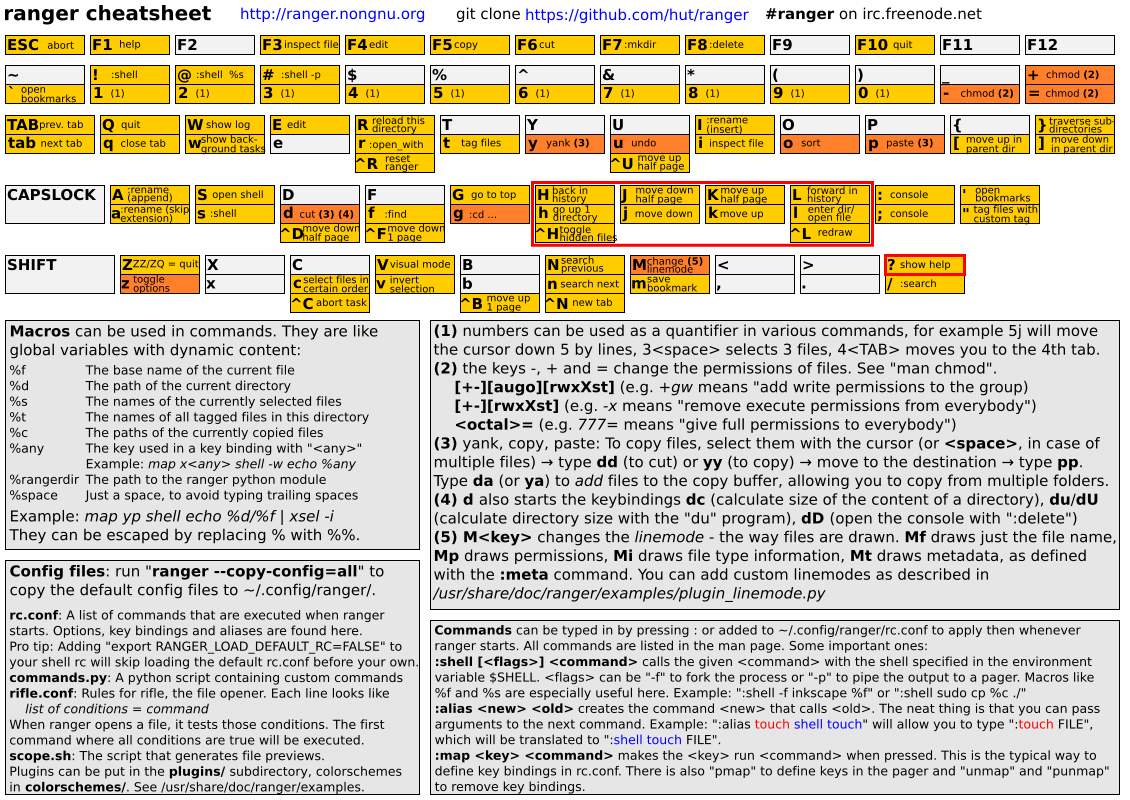
Source: cheatsheet.png (1130×800)
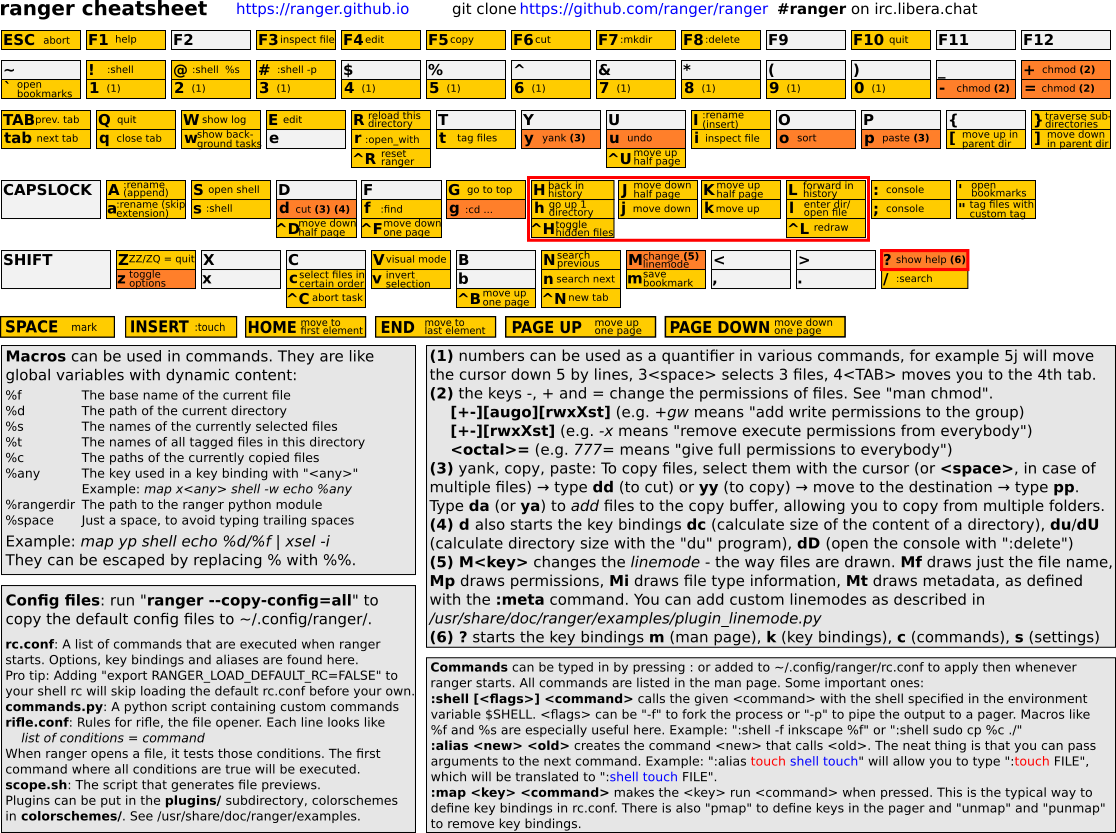
Grub2 – Community Help Wiki
Source: Grub2 – Community Help Wiki
BootOptions – Community Help Wiki
Using swatch to Monitor Logfiles
A very useful tool for monitoring logfiles is Swatch (aka Simple WATCHer of Logfiles). This is a perl program that essentially watches a logfile. You can run as many instances of it as you want, but you can only watch one logfile per instance. Depending on the log file you want to watch, you may have to run swatch with some additional privilege. For instance, /var/log/messages is likely to be the primary target for anyone interested in using swatch. But this file should be readable
Image Scanner Driver for Linux – Fujitsu Global
Install ScanSnap s1300, s1300i, s1100 and s300 drivers on Linux – drivers included
How to: Purge, Flush or Delete Postfix Queue, or a Single Email
How to: Purge, Flush or Delete Postfix Queue, or a Single Email
Written by Guillermo Garron
Date: 2012-04-25 14:53:30 00:00
To flush or purge the postfix mail queue, just enter this command
postfix -fBut if you need to delete an individual email from the queue, you’ll first need to see the queue. Traditionally you use
mailqthis time we’ll use:postqueue -pAnd the output should show all messages in queue:
5642B4D8647* 1683500 Tue Jun  3 08:37:27  xxxxxx@xxxxxxx.com
                                         rrrrrrrrr@hotmail.com

9359B4D82B1* 1635730 Tue Jun  3 08:36:53  xxxxxx@xxxxxxx.com
                                         yyyyyyyy@hotmail.com
The first number is the message ID, if you only want to delete one of them, enter:
postsuper -d 5642B4D8647That will only delete one email for the queue, that specific email you want to delete from it.
If you want to delete all deferred mails, you can use:
postsuper -d deferred
Source: How to: Purge, Flush or Delete Postfix Queue, or a Single Email