In this guide, we’ll show you the steps to download and install cumulative updates for Windows 10 manually when your device is having trouble getting them from Windows Update.
Source: Downloading and installing Windows 10 updates manually
In this guide, we’ll show you the steps to download and install cumulative updates for Windows 10 manually when your device is having trouble getting them from Windows Update.
Source: Downloading and installing Windows 10 updates manually
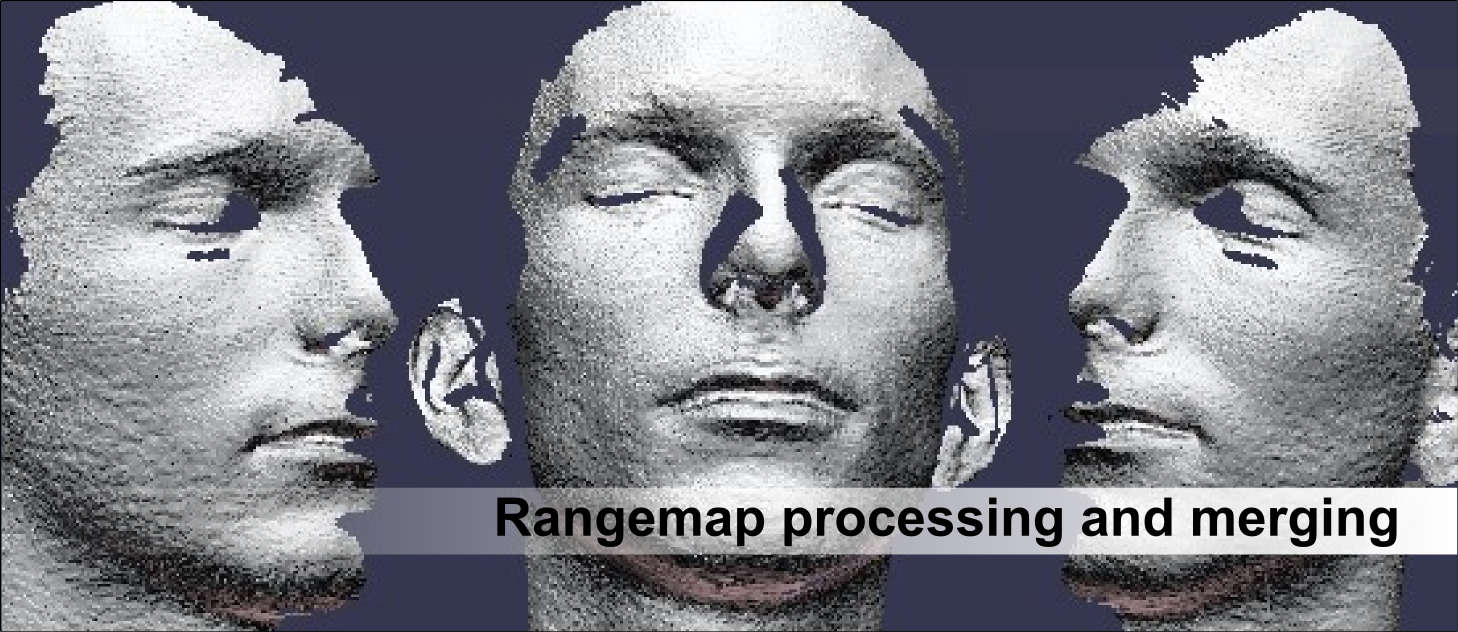 Source: MeshLab
This Christmas seasons I put my printer to good use making unique presents for my family. Everyone with a workshop or a garage got a custom geared light switch cover. Designing this toy definitely …
Mount for the IR sensor on the MK3S MMU2S with Bondtech BMG extruder. Uses one additional M3*8mm and one M3 square nut. The mount has enough “swinging room” to calibrate according to the instructions from PR found in the service manual. **PLEASE NOTE** This does not fit the Bear or MK3S X-carriage- you will need the R3 style X-carriage 4/5/2019- added .stp and .f3d files **Instructions** (assuming that you have, or know how to flash your firmware) Disassemble Bondtech extruder assembly to gain access to the door Remove door hinge pin Remove door, and gear from the door Replace door with IR-lever-v2 – re-install gear and door hinge pin Re-assemble Bondtech extruder Replace old sensor wire harness with IR sensor wire harness Install IR-mount in vertical position to rear of X-carriage with one M3*8 screw and square nut Fasten IR-sensor to the mount with M2*8 screw and connect wire harness Calibrate sensor in LCD screen (Support>Sensor info>IR value) Swiveling the IR-mount so that with no filament loaded it reads “0” and with filament loaded reads “1” Install IR-cover DONE! 6/24/2019- Added IR_sensor_revised version for more adjustability and better cover fitment. Door flag clears cover better, and no longer requires removal of cover to open door for gear access. Can be seen in action on my Youtube page: https://www.youtube.com/channel/UCJHf2WUrFE6_na2bLCGw-HQ/ If you are looking for the Mk3S version of the extruder top- you can use Dustin Pashko’s version found at: https://www.myminifactory.com/object/3d-print-bondtech-mk3s-mmu2s-extruder-top-98501 | Download free and paid 3D printable STL files
OctoPrint is the snappy web interface for your 3D printer that allows you to control and monitor all aspects of your printer and print jobs, right from your browser.
Source: OctoPrint.org
CanKing for Windows is a CAN bus monitor and general-purpose diagnostic tool. It is especially suited for interactive development work.